
The reusable system should absorb the hard lessons once.
Sights makes responsive behavior, semantic markup, accessibility, browser compatibility, capability boundaries, and static output part of the component and consumer contract—not optional cleanup after a page looks finished.
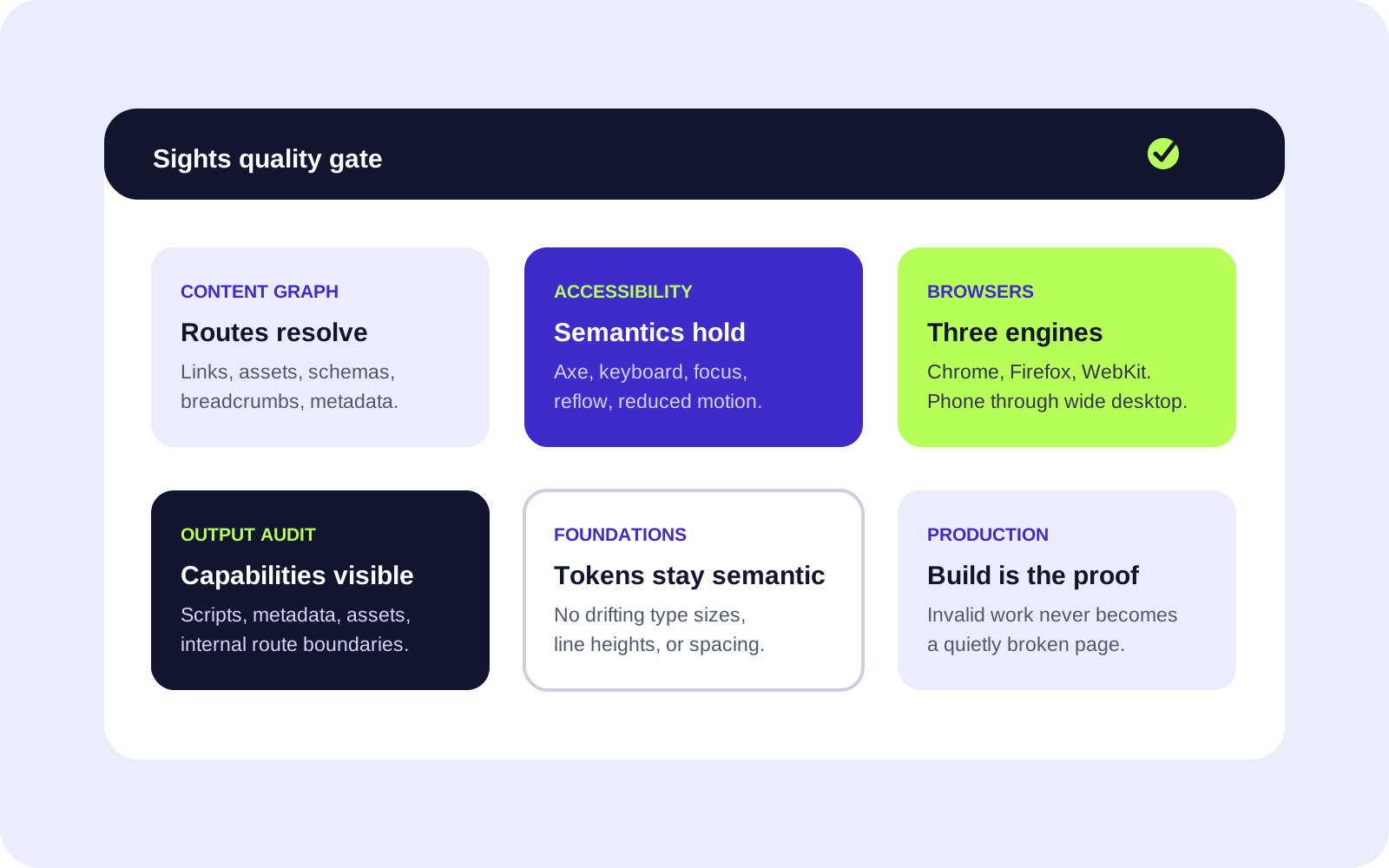
Quality has named targets and visible limits.
A generic promise to be responsive or accessible is not a gate. Sights specifies what runs automatically and what still needs editorial or real-device judgment.
- Accessibility target
- AA
- WCAG 2.2 AA guides the system; automated checks do not replace manual and editorial review.
- Browser engines
- 3
- Chrome, Firefox, and WebKit run the same component and consumer behavior tests.
- Zoom and reflow
- 200%
- Representative routes must remain readable and free of page-level horizontal overflow.
- Silent invalid sections
- 0
- Validation stops unknown names and props before a renderer could skip them.
Different failures belong at different layers.
The fastest feedback runs first. Broader build and browser checks then verify the behavior that schemas and types cannot see.
Progressive enhancement must keep the document intact.
What the automated gate does not certify.
Does a passing axe scan make a site accessible?
No. Automated checks catch important classes of failures. Alt-text quality, reading clarity, cognitive load, content order, and many assistive-technology experiences still require editorial and manual review.
Does browser automation replace real-device testing?
No. It provides repeatable engine and viewport coverage. Stable releases still need a documented smoke test on representative touch devices and actual Safari environments.
Can page authors bypass a failing contract to ship faster?
Not through declarative content. A genuine new requirement becomes a named semantic variant or a trusted custom component with its own documented contract.
What protects performance?
Static rendering, local dimensioned assets, declared runtimes, route-scoped custom modules, deduplicated shared behavior, and a generated output audit make unexpected client code visible.
Custom capabilities should join the quality system, not route around it.
See how site-owned components keep strict props, examples, generated docs, review routes, and isolated runtimes while supplying genuinely custom behavior.